
MiniMax H3 Image Prompt Generator

MiniMax H3 Image Prompt Generator turns a reference image into a detailed English prompt for MiniMax H3-Image. Upload one picture, review the visible details, and copy the draft for compatible image generation.

  • Free every day
  • No sign-up
  • JPG, PNG, WebP
Try a sample:

Description style

A detailed English description of the visible image, ready to review and adapt.

0/

Prompt output

MiniMax H3-Image prompt examples

Detailed English prompt drafts generated from these sample images.

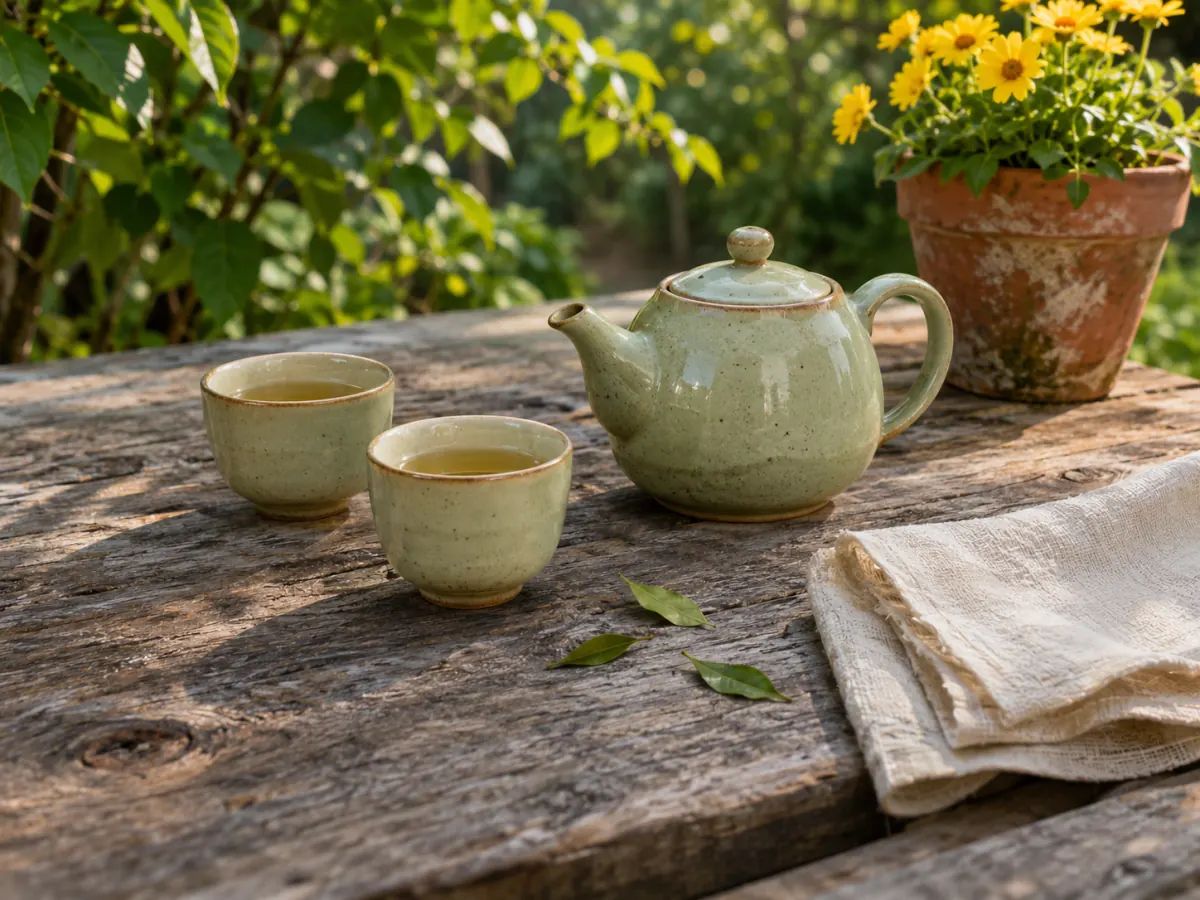
A pale green ceramic teapot and two cups rest on a weathered wooden table beside a linen napkin, with yellow flowers in a garden.

Garden tea set prompt

A rustic outdoor scene centers on a weathered wooden table set for a small tea moment. The table’s surface is rough and split with visible grain, knots, and a few small dark holes, conveying age and outdoor use. On the table sits a small, rounded ceramic teapot with a pale sage glaze. It has a short, curved spout and a simple handle, and its lid has a small knob that matches the teapot’s glaze. The teapot is positioned slightly to the right of center, with its spout angled to the left. In front of the teapot are two matching ceramic teacups, both also glazed in the same soft greenish tone. They are short, cylindrical bowls with slightly flared rims and a subtle brownish rim edge. Each cup contains a pale amber liquid, suggesting tea, and they are arranged in a loose, triangular formation around the teapot, inviting a shared moment. To the right of the teapot and cups, a folded, light-colored linen napkin lies on the table. The fabric has a natural, creased texture and a ragged edge along one side, adding to the casual, rustic feel of the setting. In the background, a terracotta pot sits on the table’s far edge, filled with bright yellow flowers. The pot shows weathering and white mineral streaks, reinforcing the garden atmosphere. The flowers rise above the rim, their petals vividly yellow with darker centers, and green leaves spill around the pot, adding a burst of color to the scene. Surrounding foliage provides a lush, green backdrop. Vines and leafy branches frame the top and left edges, with light filtering through, creating dappled shadows on the table. A few small green leaves and a couple of fallen leaves lie on the wooden surface near the teacups, adding subtle natural detail. Overall, the image conveys a calm, sunlit moment of tea outdoors, with simple, handmade tableware, natural textures, and a cozy garden setting.
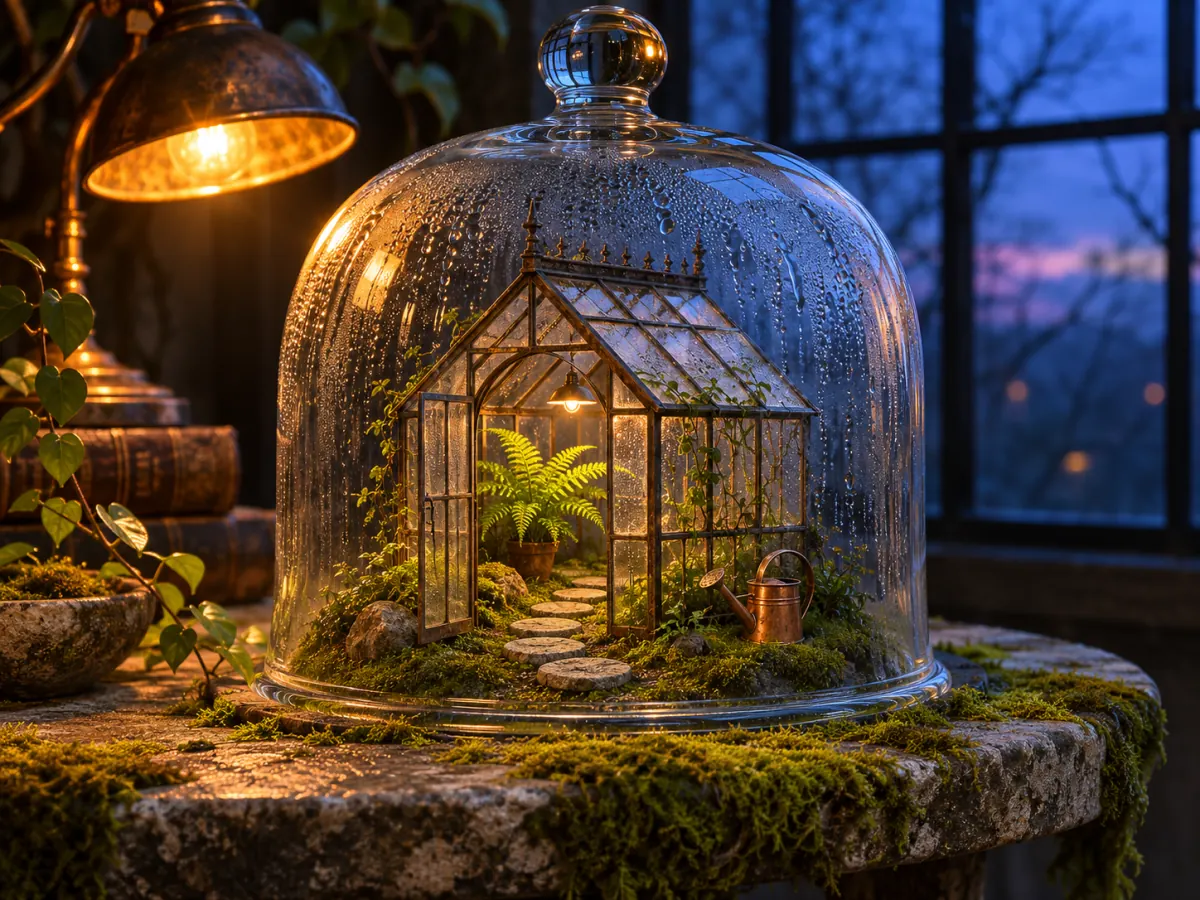
A miniature greenhouse with a fern, stepping stones, and copper watering can sits inside a glass cloche under warm and blue evening light.

Glass greenhouse prompt

A glass cloche, domed and transparent, sits over a miniature greenhouse scene. The cloche is large and rounded, with droplets of condensation along its inner surface, creating a streaked, dewy texture. Inside, a small metal-framed greenhouse structure forms the central focus. Its roof and walls are constructed from slender iron bars and glass panes, giving it a delicate, antique look. A tiny warm light glows from within, casting a soft amber glow on the interior. Inside the greenhouse, a bright green fern sits on a mossy ground, along with other small plants and stones arranged to mimic a garden path. A series of flat stepping stones creates a winding trail from the front of the enclosure toward the back, suggesting an inviting route through the miniature landscape. To the right of the fern, a small copper watering can sits near the moss, its surface catching the warm light and adding a metallic, rustic touch. Other tiny plants and moss carpet the base, enhancing the sense of a lush, damp indoor garden. The overall effect is a cozy, almost magical scene preserved under glass. Outside the cloche, the table surface is rough and weathered, covered with a layer of green moss that extends beyond the glass dome. A vintage brass lamp with a warm orange glow sits to the left, its light pooling on the table and casting a golden halo that filters through the cloche. In the background, a dark, paneled window reveals a blue evening sky with faint silhouettes of trees, adding depth and a sense of quiet stillness to the scene. The composition centers on the tiny greenhouse under the protective dome, with warm internal lighting contrasting against the cooler blue background. The moss, stones, and plant life inside the dome create a miniature, idyllic ecosystem, while the surrounding objects—lamp, potted plant, and weathered table—frame the scene in a cozy, nostalgic setting.

How to create a prompt from an image

01

Upload a reference image

Choose one JPG, PNG, or WebP image up to 10 MB. The tool reads visible details in the picture.

02

Generate a detailed English draft

Get a description of the image’s subject, setting, composition, actions, and notable visible details. Add an optional focus if needed.

03

Review and copy the prompt

Check the draft, then copy and adapt it for MiniMax H3-Image or another compatible image-generation workflow.

Supported images and prompt limits

Supported images

Upload one JPG, PNG, or WebP image at a time, up to 10 MB.

English output

The prompt draft is a detailed English description of visible image content.

Review uncertain details

The draft may miss or misread unclear details. Review it and remove anything that does not match your intent.

Image retention

Uploaded images are deleted within 7 days. Free daily use follows the same limit as the Picture Describer homepage.

MiniMax H3-Image prompt questions

What should a detailed H3-Image prompt describe?

The official model card describes a detailed English description of the whole image. This tool creates a draft from visible details that you can review before copying.

Which details should I include in a visual brief?

Specify the subject, composition, style, and constraints that matter to the image. The official visual brief recommends these details for a clear direction.

How should I describe an edit to a reference image?

Identify the source image and state exactly what should change and what should remain fixed. This makes the edit request easier to review against the reference.

How can I refine an image after the first result?

Change one element at a time, then review subject identity, object relationships, reflections, text, and unintended changes.

Describe an image for another use

Open Picture Describer to create alt text, captions, or other image descriptions.

Picture DescriberBrowse image-to-prompt tools